Projects List
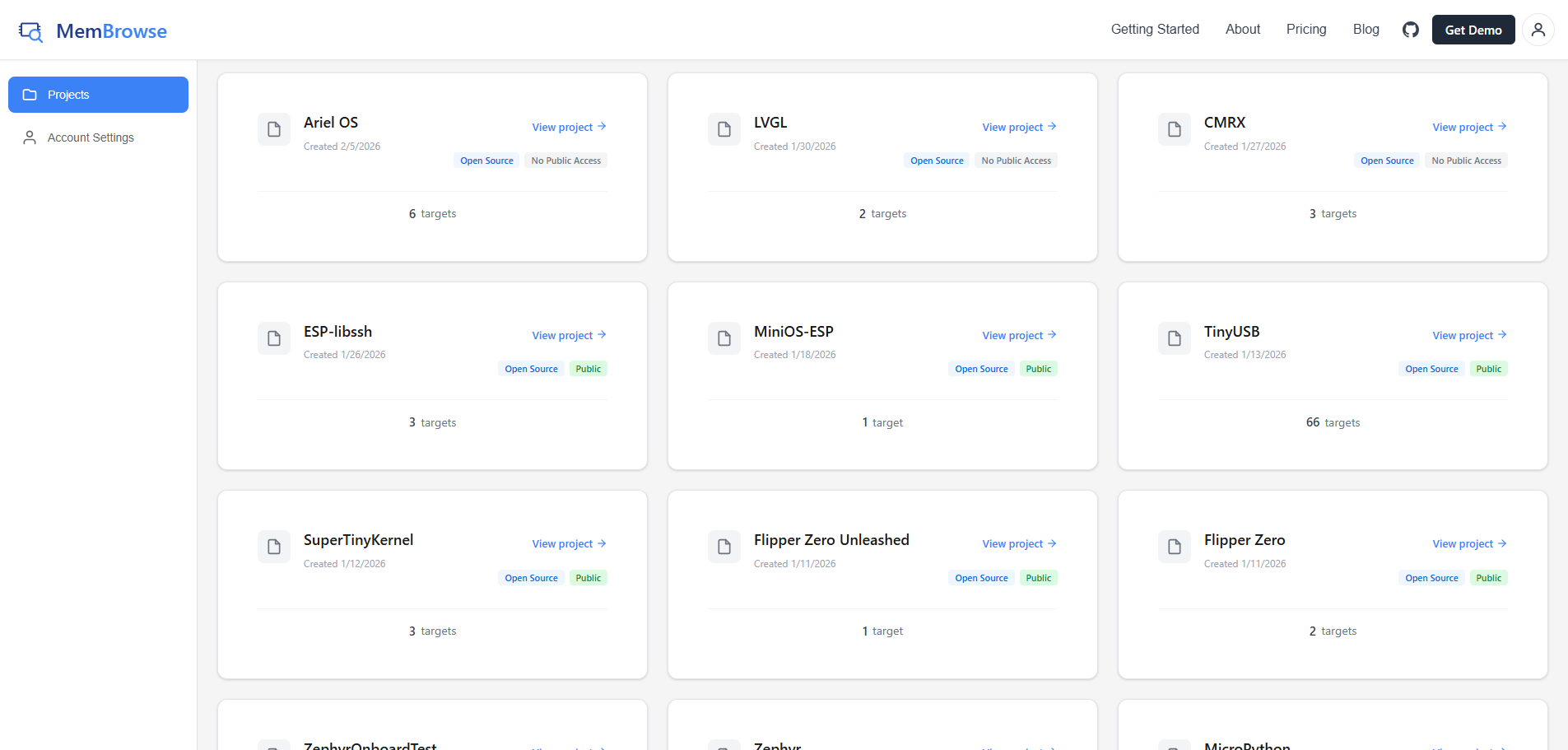
The projects page is your landing page after signing in to MemBrowse. It displays all your projects and gives you quick access to each one.
Pending Invitations
If other users have invited you to collaborate on their projects, pending invitations appear at the top of the page with Accept and Decline buttons.
Project Cards
Each project card shows:
- Project name and description
- List of targets with architecture and toolchain metadata
- GitHub repository link (if configured)
Click a project to open its Project Dashboard.
Creating a Project
- Click "New Project" on the projects page
- Enter your project name and description
- Optionally, enter your GitHub repository URL. If the repository is publicly accessible, the project will be marked as open source and all usage will be free.
- Click "Create"
info
Your API key will be displayed immediately after project creation. Copy and save it securely. You will need it for uploading reports.